See how industrial edge AI computers differ from developer kits in power, cooling, mounting, connectivity and I/O expansion for reliable factory-floor deployment.
As AI vision inspection, robotics, and smart manufacturing continue to evolve, NVIDIA Jetson platforms are increasingly being used for local AI inference in industrial applications.
During the early stages of a project, developers often use an NVIDIA Jetson Developer Kit to test AI models, develop applications, and validate system functions. However, when a project moves from the lab to a factory floor, control cabinet, or outdoor installation, a different set of requirements comes into play.
A development kit may be capable of running an AI model, but is it ready for real industrial deployment?Running an AI model successfully is only the first step. Industrial applications also require careful consideration of power supply, thermal management, mounting, communication interfaces, I/O expansion, and operational reliability.
1. Developer Kit vs Industrial Edge AI Computer: Key Differences
The main difference lies in their intended applications.
An NVIDIA Jetson Developer Kit is primarily designed for developers. It provides a convenient platform for learning the Jetson ecosystem, developing AI applications, testing models, and validating software functions.
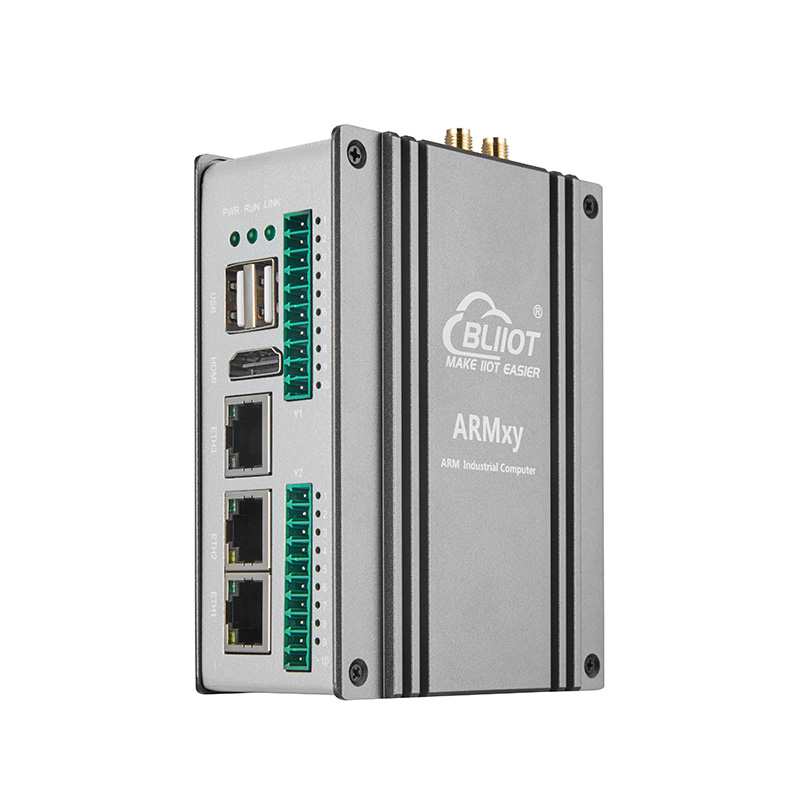
An Industrial Edge AI Computer, on the other hand, is designed for practical system integration and deployment. Beyond AI computing performance, it combines computing hardware with an industrial enclosure, power input, cooling solutions, communication interfaces, and installation structures.
|
Comparison
|
Jetson Developer Kit
|
Industrial Edge AI Computer
|
|
Primary purpose
|
AI development and prototyping
|
Industrial deployment
|
|
Power supply
|
Depends on development kit design
|
Industrial DC power input
|
|
Cooling
|
Development-oriented cooling
|
Integrated thermal management
|
|
Installation
|
Desktop or open-board setup
|
Fixed equipment or cabinet installation
|
|
Connectivity
|
General-purpose interfaces
|
Industrial communication interfaces
|
|
I/O expansion
|
Often requires external hardware
|
Dedicated industrial I/O expansion options
|
|
Environment
|
Depends on the development kit
|
Designed and tested for industrial environments
|
For projects involving permanent installation inside machinery, production lines, or industrial control cabinets, an industrial edge AI computer is generally a more practical choice.
2. What Matters When Deploying AI in Industrial Environments?
Choosing an industrial edge AI computer involves more than comparing TOPS performance. Several hardware factors directly affect system integration and deployment.
① Power Supply: Adapt to Industrial Power Systems
Unlike laboratory environments, industrial equipment often operates from DC power systems inside control cabinets.
Wide-voltage input, secure power connections, and appropriate power consumption are important considerations.
For example, both the BLIIOT EA230 and EA250 series support 12–24V DC input, making them easier to integrate into different industrial power systems.
② Cooling: Manage Heat Under Real Workloads
AI inference, particularly multi-channel video processing and complex model execution, can generate considerable heat.
Insufficient thermal management may affect system performance and operational stability. Cooling solutions should therefore be selected according to computing loads, installation space, and ambient temperature.
The BLIIOT EA series features aluminum alloy enclosures and supports passive or active cooling, with optional speed-controlled fans for different application requirements.
③ Installation: Fit the Actual Equipment Layout
Industrial computers are often installed inside machines, control cabinets, or robotic systems.
Compared with open development boards, enclosed industrial computers with dedicated mounting structures are easier to integrate into complete equipment systems.
The EA230, EA230Pro, EA250, and EA250Pro all support fixed installation using mounting brackets.
④ Connectivity: Communicate with Industrial Equipment
An industrial AI system rarely connects to cameras alone.
It may also need to communicate with PLCs, sensors, robot controllers, industrial switches, and other field devices.
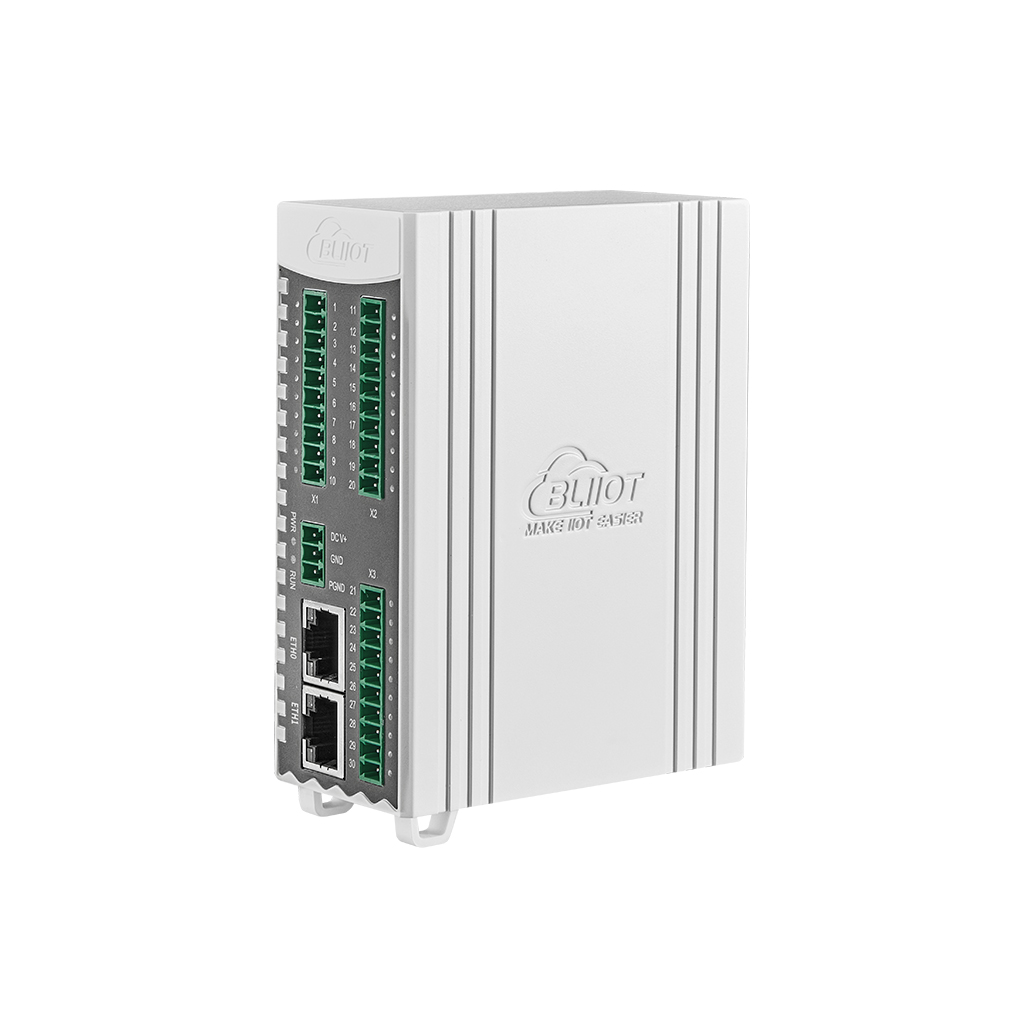
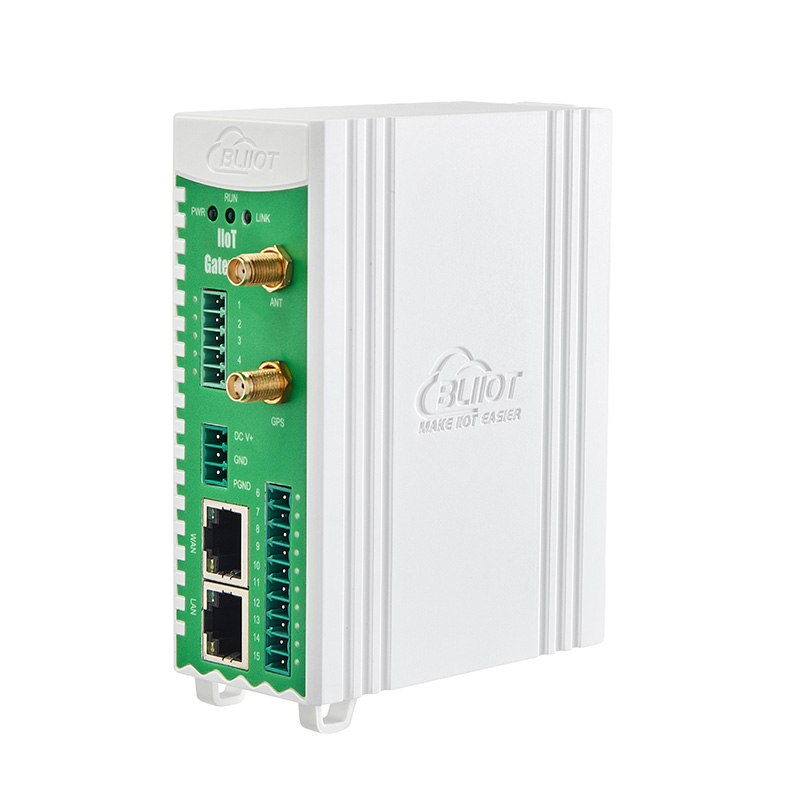
In addition to Ethernet and USB, interfaces such as RS485, RS232, and CAN FD are important when designing an integrated industrial system.
⑤ I/O Expansion: Connect AI Computing with Field Signals
In practical automation projects, AI results often need to trigger further actions, such as controlling actuators, collecting sensor signals, or communicating with existing control systems.
This requires appropriate industrial I/O, including DI, DO, AI, AO, and RTD interfaces.
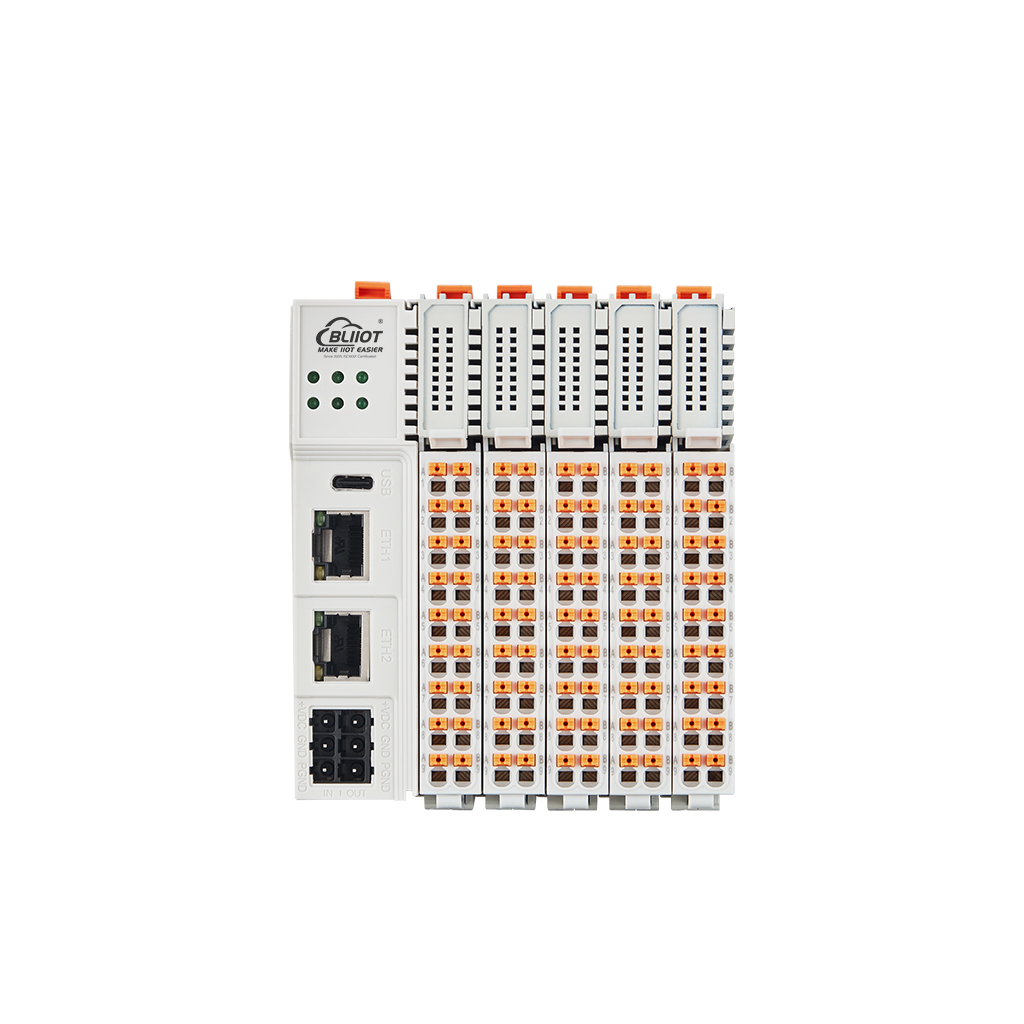
For applications requiring more field I/O, the EA230Pro and EA250Pro support optional Y-series expansion boards. Available options include digital input/output, analog input/output, temperature measurement, and serial communication modules.
3. How Does the BLIIOT EA Series Support Industrial Edge AI Deployment?
The BLIIOT EA series combines NVIDIA Jetson Orin computing platforms with industrial hardware design, offering flexible configurations for different industrial AI requirements.
- EA230 – Compact Edge AI Computing: Based on NVIDIA Jetson Orin Nano, EA230 delivers up to 67 TOPS of AI computing performance. It is suitable for industrial visual inspection, AMR/AGV control, and AIoT edge computing applications.
- EA230Pro – Flexible Industrial Expansion: Building on the EA230 platform, EA230Pro offers additional expansion capabilities, including optional four-port Gigabit Ethernet, GMSL2, MIPI CSI-2 camera interfaces, and Y-series I/O boards.
- EA250 – Higher AI Computing Performance: Powered by NVIDIA Jetson Orin NX, EA250 delivers up to 157 TOPS of AI computing performance, making it suitable for more demanding AI inference, multi-sensor fusion, and high-performance edge computing applications.
- EA250Pro – High-Performance Expansion Platform: Combining Orin NX computing performance with flexible expansion options, EA250Pro is designed for multi-camera vision systems, robotics, and complex industrial AI applications.
All four models feature aluminum alloy enclosures, 12–24V DC input, an operating temperature range of -20°C to +75°C, and optional fan-assisted cooling.
They come pre-installed with NVIDIA JetPack 6.2.2 (based on Ubuntu 22.04) and support the NVIDIA software ecosystem, including CUDA and TensorRT.
For projects requiring remote maintenance, an optional OOB (Out-of-Band) management module is available for remote power control and system restart.
4. Choosing the Right Platform for Your Project
Whether you need a developer kit or an industrial edge AI computer depends on your project stage and deployment environment.
-
AI development and prototyping: Developer kits are suitable for initial development, model testing, and software verification.
-
Industrial equipment integration: Industrial edge AI computers are better suited to projects requiring enclosed hardware, industrial power input, and fixed installation.
-
Multi-camera and I/O-intensive applications: Consider expandable platforms such as EA230Pro and EA250Pro.
-
Higher AI computing requirements: EA250 and EA250Pro provide up to 157 TOPS of AI computing performance.
The right edge AI platform should do more than run your AI model. It should fit your equipment architecture, connect with field devices, and meet the requirements of real industrial environments.
If you are moving from AI development to industrial deployment, choosing the right hardware platform early can help reduce integration complexity and simplify project implementation.